

Getting Started
Understanding Roles & Permissions
Learn how Aprenta's role system works, what each role can do, and how job titles map to default permissions
Understanding Roles & Permissions
Section titled “Understanding Roles & Permissions”Aprenta uses two layers of access control: user-level roles (Owner or Member) and functional roles assigned per organization. Together, they determine which pages you see, which actions you can take, and which data you can access.
User-Level Roles
Section titled “User-Level Roles”Every person in Aprenta has one user-level role:
- Owner — The person who created the Aprenta account. Owners have full access to everything: billing, account settings, all schools, and all organizations. There is one Owner per account.
- Member — Everyone else. Members get their capabilities through functional roles assigned within each organization they belong to.
Functional Roles
Section titled “Functional Roles”Functional roles are assigned per organization. If you belong to multiple organizations, you can have different roles in each one. A single person can hold multiple roles — for example, a coach who also manages schedules would have both the Observer and Scheduler roles.
There are 8 functional roles:
Organization Manager Full administrative access within the organization. Can manage observations, forms, schedules, people, and results. Can invite and manage members up to their own role level. Typically assigned to principals and superintendents.
- Sees: Home, Observations, Results, Forms, People, Scheduler
- Can also: Start observations, create forms, export data, manage members through the People page
Observation Manager Full control over all observations in their schools. Can view, edit, reassign, close, reopen, and delete any observation — not just their own. Also has access to results and the scheduler. Typically part of the assistant principal role.
- Sees: Home, Observations, Results, Scheduler
- Can also: Start observations, change observation status, export observations
Form Manager Can create, edit, duplicate, publish, and delete observation forms. Focused specifically on building and maintaining the forms that observers use. Typically part of the coach and assistant principal roles.
- Sees: Home, Forms
- Can also: Create new forms from the top navigation bar
Member Manager Can manage staff in the People page. Can add, edit, and remove members and assign roles. Typically part of the assistant principal role.
- Sees: People
- Can also: Invite new members, assign and edit roles through the People page
Observer The primary role for anyone conducting classroom observations. Can start new observations, fill out forms during observations, and manage their own observations. Typically assigned to coaches.
- Sees: Home
- Can also: Start observations from the top navigation bar, edit and delete own observations
Scheduler Can create and manage observation schedules for all members in their schools. Has access to the full Scheduler calendar. Typically part of the coach and assistant principal roles.
- Sees: Home, Scheduler
- Can also: Schedule observations for others, edit and delete schedules
Reporter Read-only access to observation results and analytics. Can view the Results page with summary reports, form totals, and staff results. Also has view-only access to school observations. Typically part of the coach and assistant principal roles.
- Sees: Home, Results
- Can also: Export results data and observation data
Observee The person being observed — typically a teacher, paraprofessional, or counselor. Observees can view their own observation feedback on the Home page.
- Sees: Home (own observations only)
- Cannot: Access Observations, Results, Forms, or People pages
Job Titles and Default Roles
Section titled “Job Titles and Default Roles”When you add a new member, you select their job title. Aprenta automatically suggests default roles based on that title. These defaults match how most K-12 schools are organized, but you can customize roles for any individual.
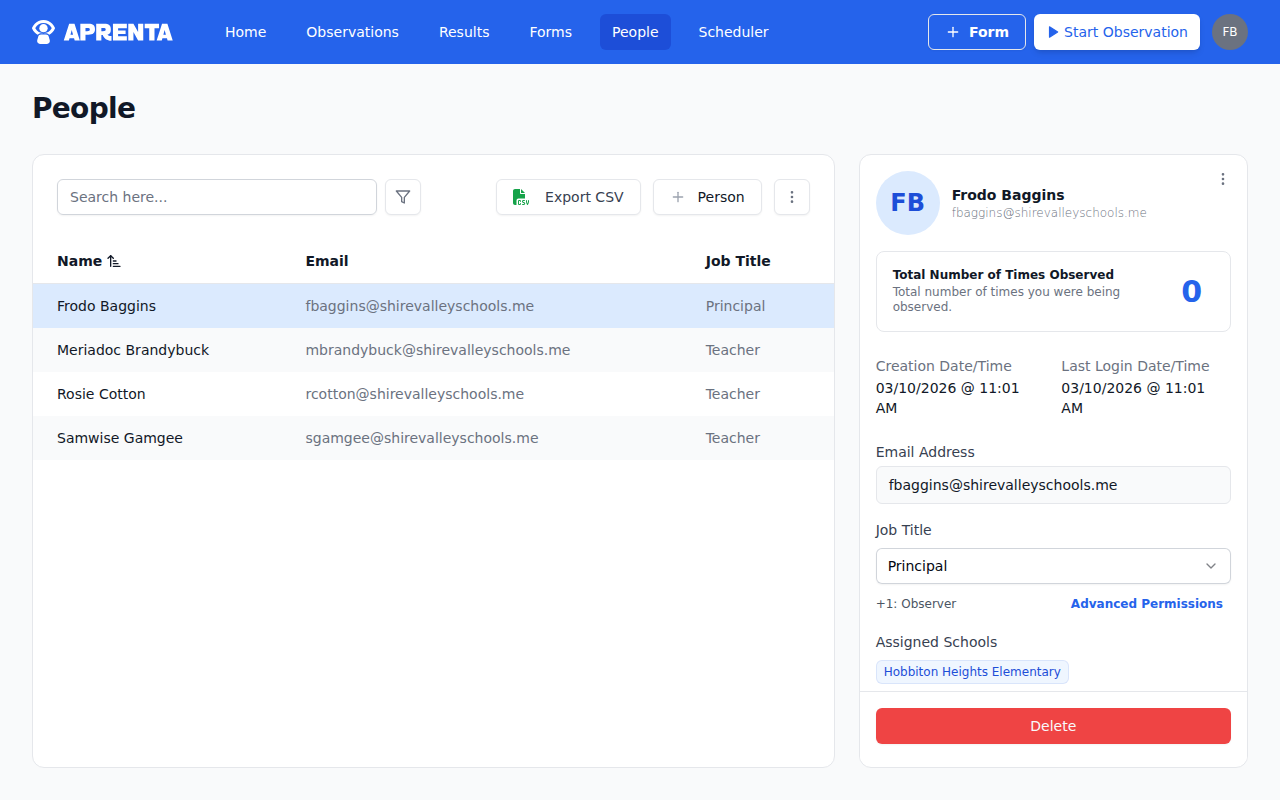
If a person has roles beyond those included in their job title’s defaults, those additional roles appear as a note on their profile — for example, “+1: Observer” or “Observer and +1 more”.
School-Level Titles
| Job Title | Default Roles |
|---|---|
| Principal | Organization Manager |
| Assistant Principal | Observation Manager, Scheduler, Reporter, Member Manager, Form Manager |
| Instructional Coach | Observer, Scheduler, Reporter, Form Manager |
| Teacher | Observee |
| Paraprofessional | Observee |
| Counselor | Observee |
District-Level Titles
| Job Title | Default Roles |
|---|---|
| Superintendent | Organization Manager |
| District Administrator | Observation Manager, Scheduler, Reporter, Member Manager, Form Manager |
| District Coach | Observer, Scheduler, Reporter, Form Manager |
What Each Role Can See
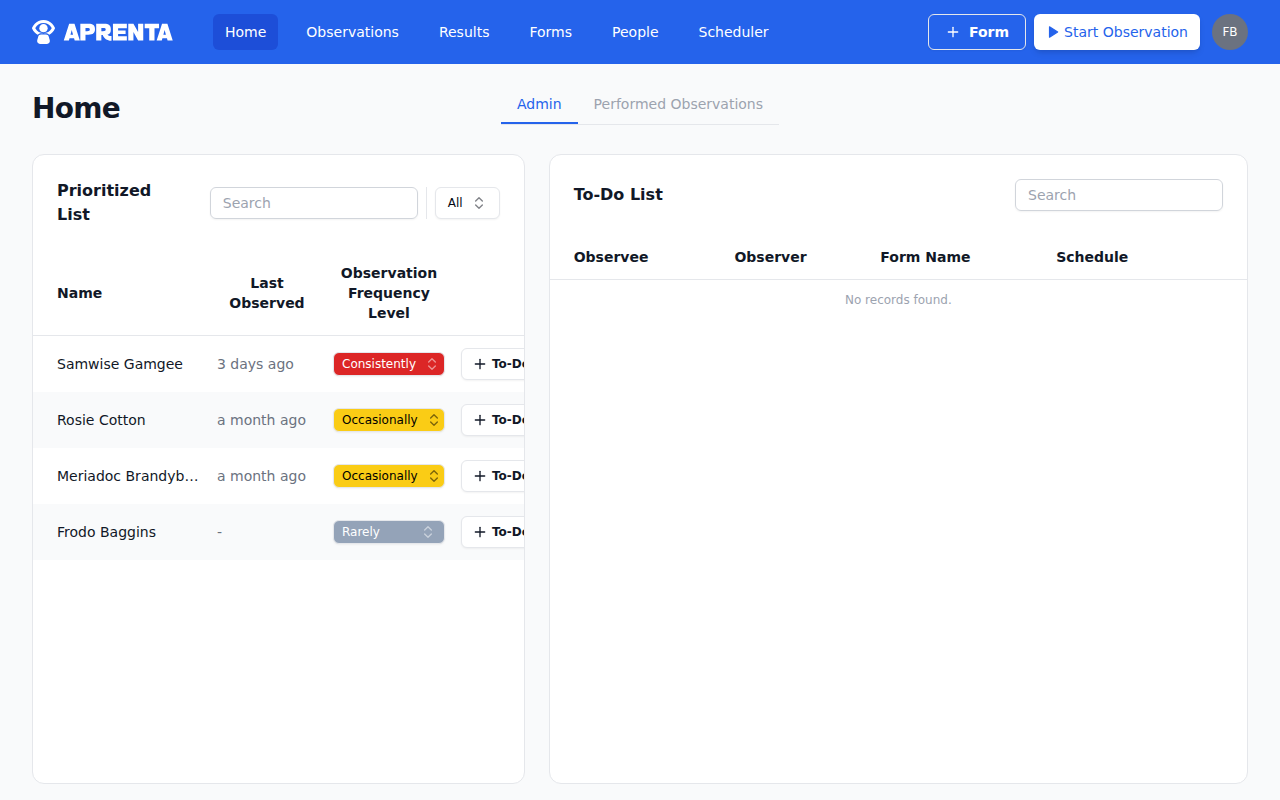
Section titled “What Each Role Can See”The navigation bar at the top of Aprenta only shows pages you have permission to access. Here is a summary of which roles unlock each page:
| Page | Required Role |
|---|---|
| Home | All roles except Member Manager |
| Observations | Organization Manager, Observation Manager, or Owner |
| Results | Reporter, Observation Manager, Organization Manager, or Owner |
| Forms | Form Manager, Organization Manager, or Owner |
| People | Member Manager, Organization Manager, or Owner |
| Scheduler | Scheduler, Observer, Observation Manager, Organization Manager, or Owner |
The Settings area is accessible to the account Owner only, through the user menu. It contains four tabs: Account, Users, Billing, and Schools. Non-owners who need to manage staff do so through the People page.
Who Can Change Roles
Section titled “Who Can Change Roles”Not everyone can edit another person’s role. Role editing follows the hierarchy:
- Owner — Can edit any role, including other Owners
- Organization Manager — Can edit roles up to and including Organization Manager (cannot promote someone to Owner)
- Member Manager — Can edit lower-level roles only; cannot assign Organization Manager, Member Manager, or Owner
- All other roles — Cannot edit roles
When editing a member’s role in the People page, the role selector only shows the roles you are permitted to grant. If you see “No roles available,” you don’t have permission to change roles in that organization.
How Roles Combine
Section titled “How Roles Combine”Roles are additive — each role adds permissions on top of any others you already have. For example:
- A coach with Observer + Scheduler + Reporter + Form Manager roles can conduct observations, create schedules, view results, and build forms.
- An assistant principal with Observation Manager + Scheduler + Reporter + Member Manager + Form Manager roles can do everything a coach can, plus manage all observations and staff.
- A principal with Organization Manager gets the equivalent of all roles combined (except billing and account settings, which are Owner only).
If you need access to a page or feature you can’t currently see, ask your principal or administrator to update your role. They can change your role by selecting a new one from the Role dropdown when editing your profile in the People page, then clicking Save.